


Local by design
Your vault lives in private app storage on your device. Each device has its own independent vault, with no Visual Locker account, app server, CloudKit database, remote media library or vault sync.
 Handlr
Keep the photos and videos you choose in an encrypted vault. No account. No Visual Locker cloud library. Each device keeps its own separate local vault.
Available now on iPhone, iPad and Apple Vision Pro.

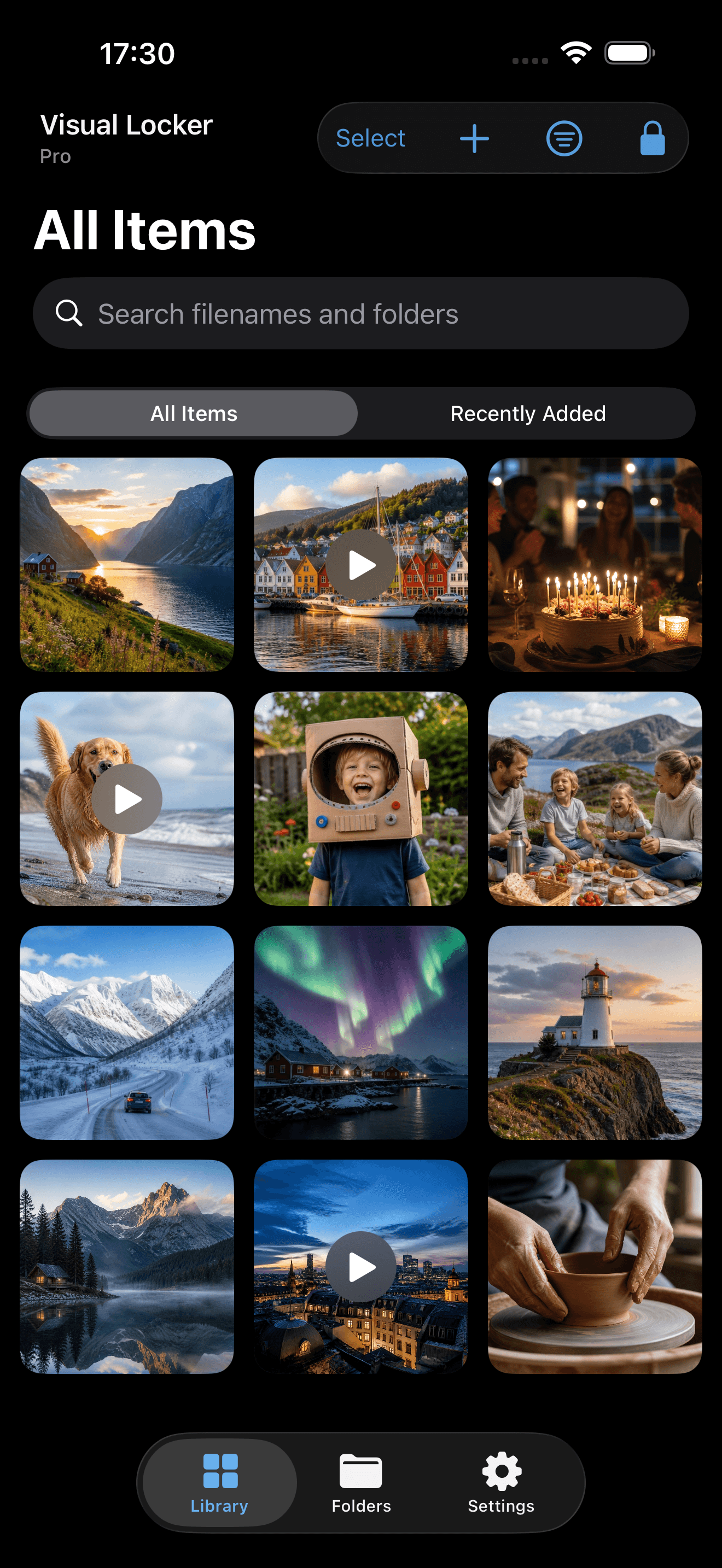
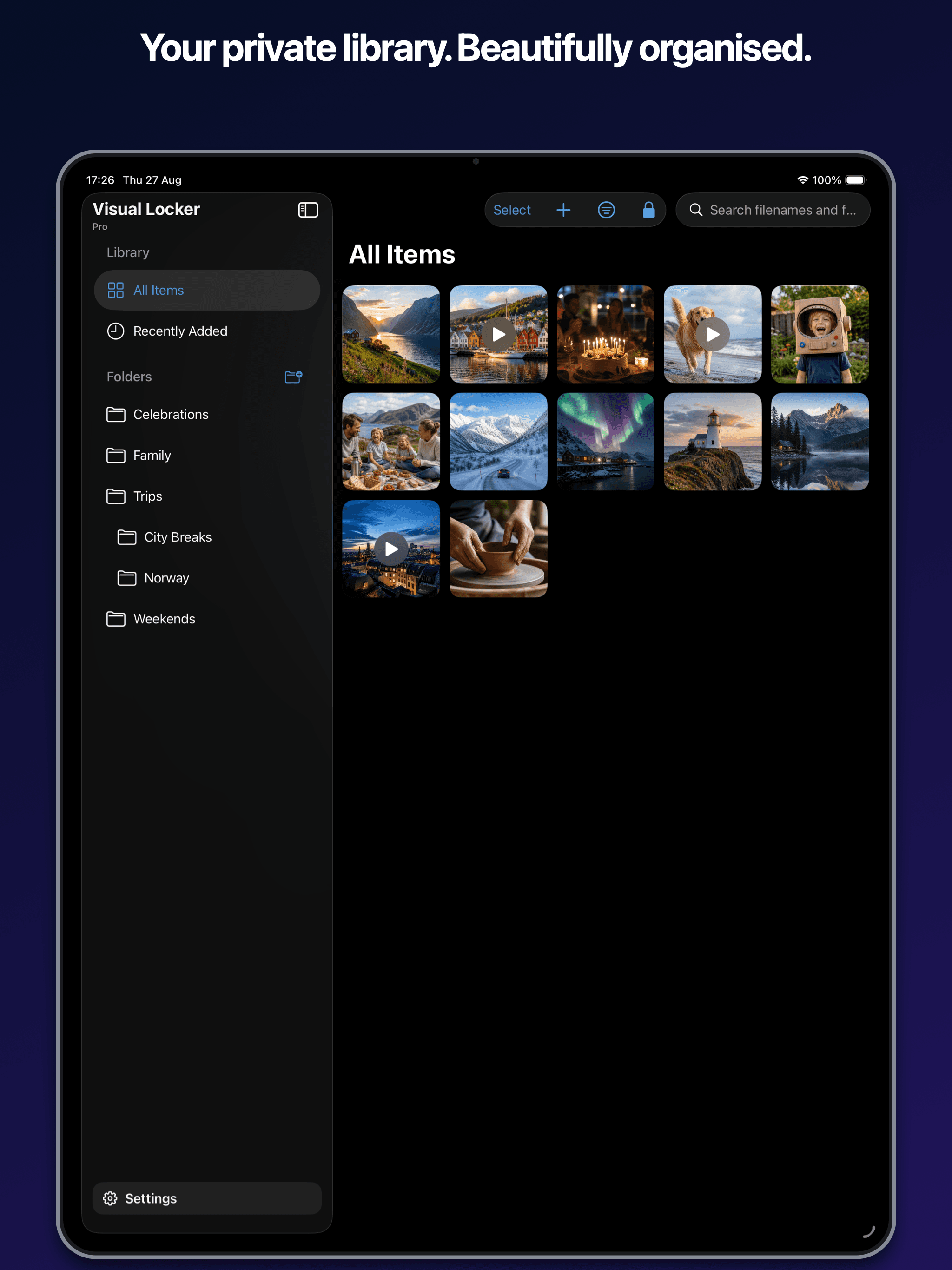
Made for the moments you want to keep close, not in the cloud.
Inside Visual Locker
Choose your media, organize it locally and return to a locked vault when you are finished.
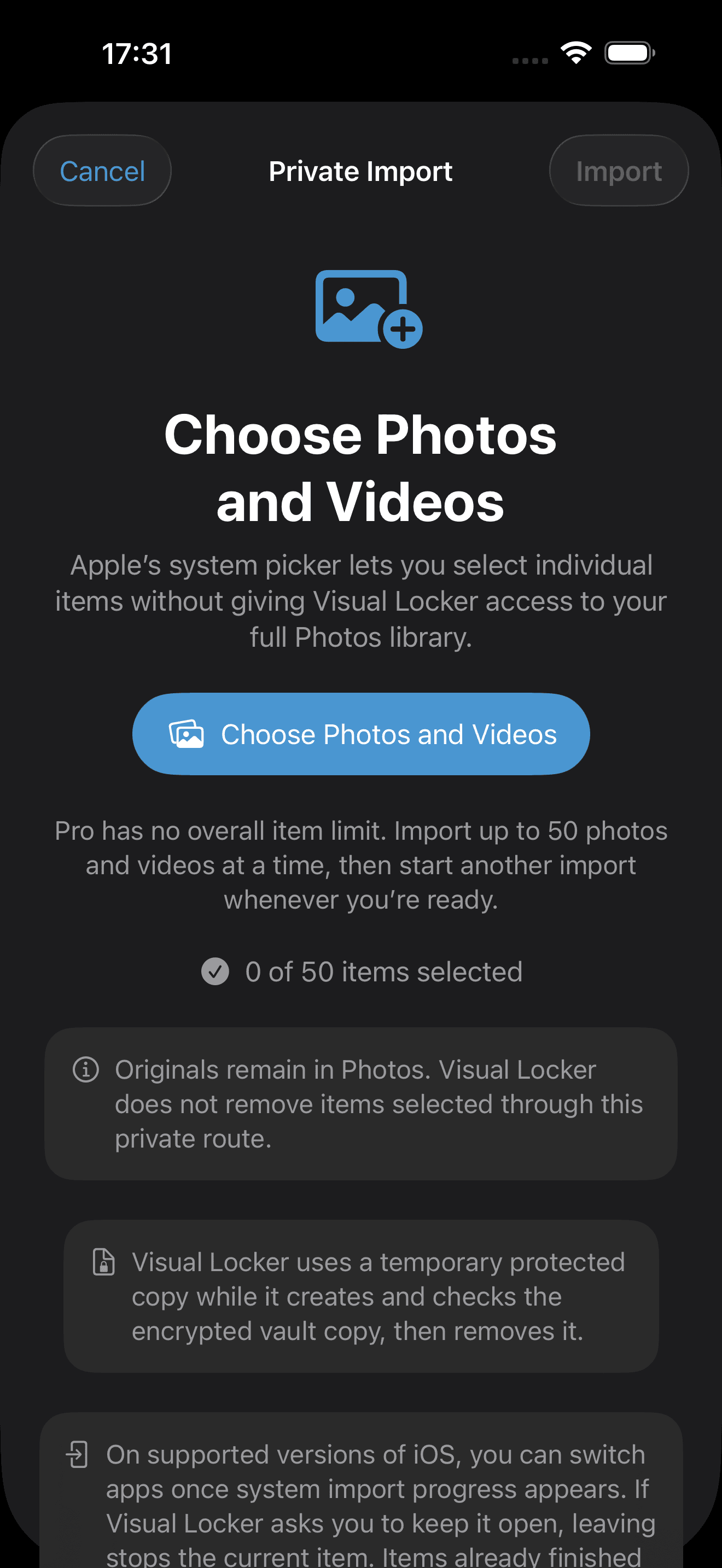
Start with Apple’s private system picker, then choose the photos and videos you want to add.
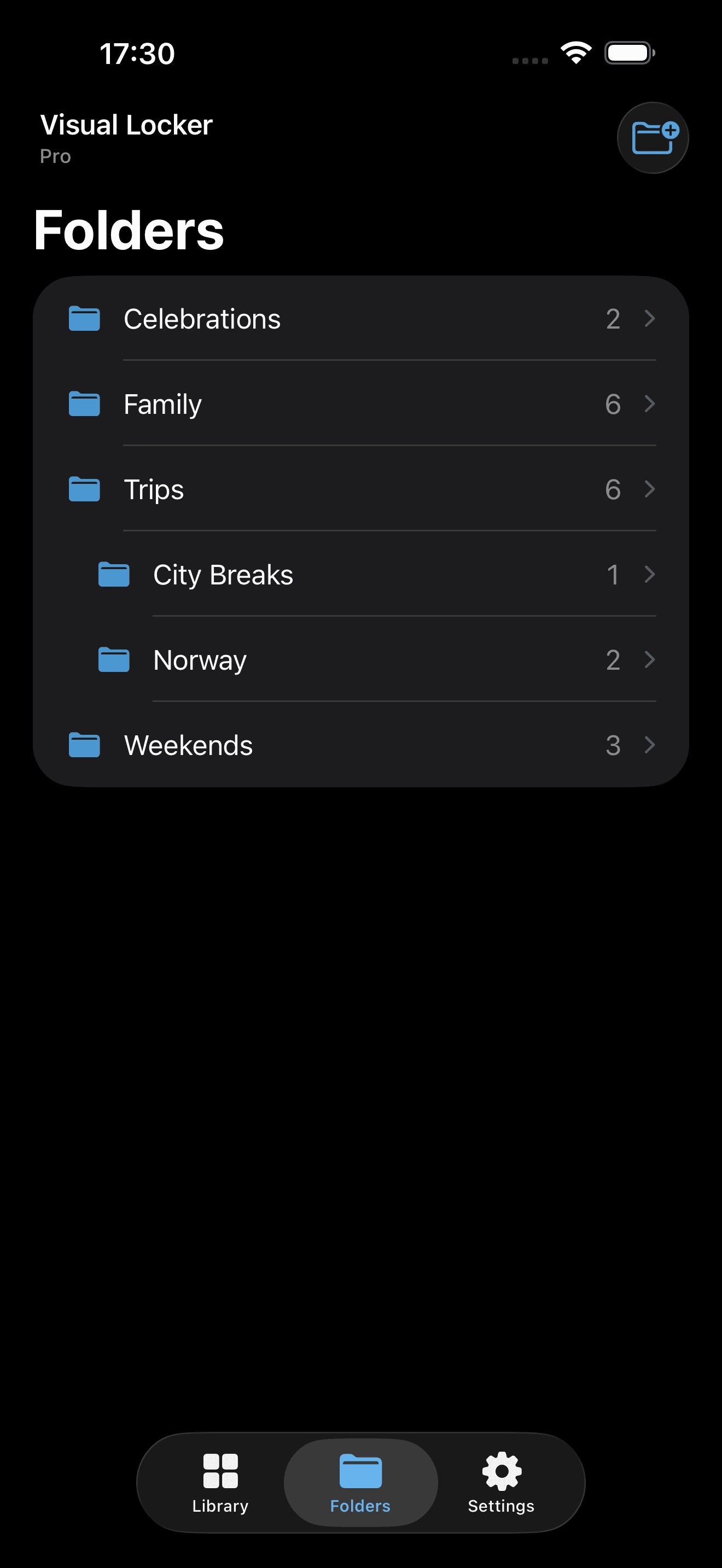
Sort your imported items into local folders and find the moments you want without sending your library away.
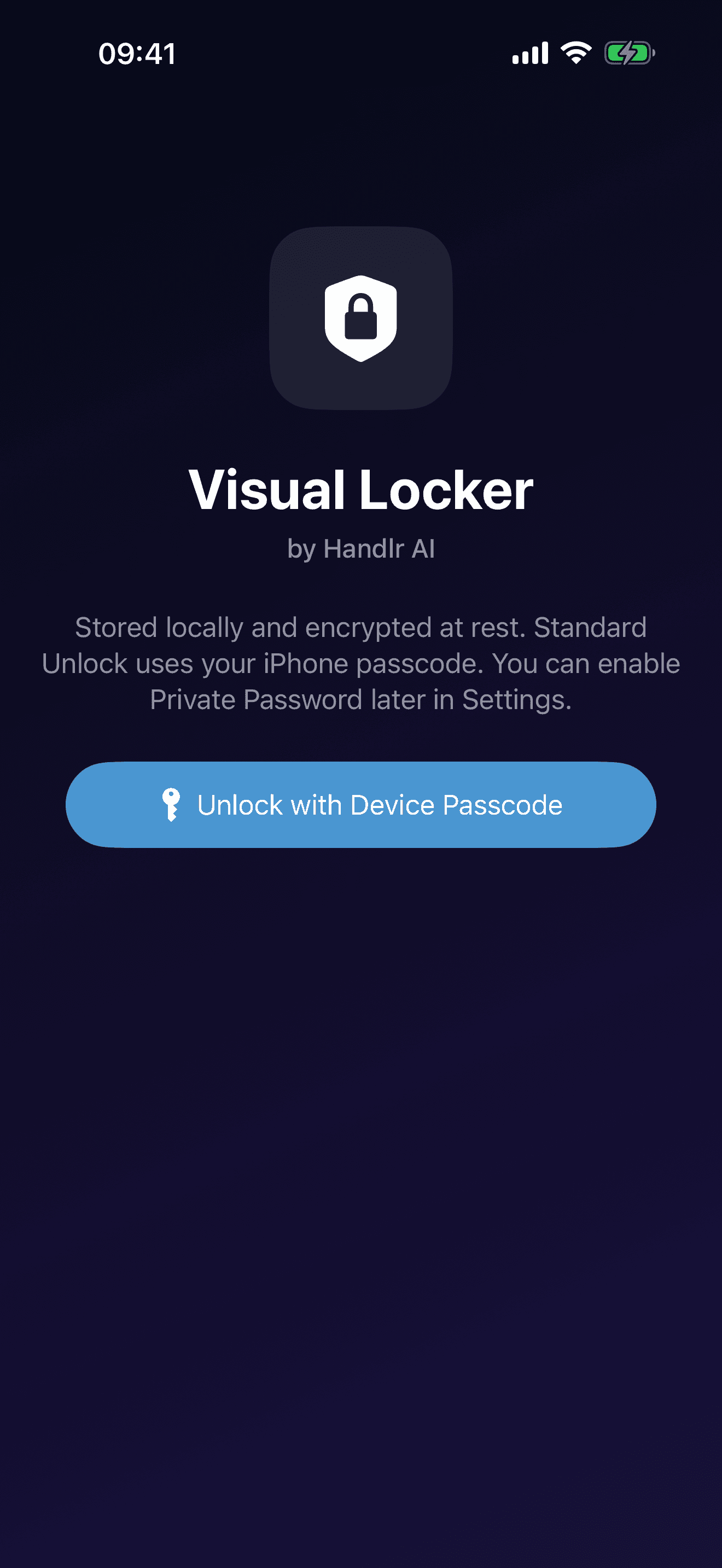
Standard Unlock uses Face ID or Touch ID where available, with your device passcode as a fallback. Choose Private Password to use a separate vault password, with an optional biometric shortcut.
Apple Vision Pro
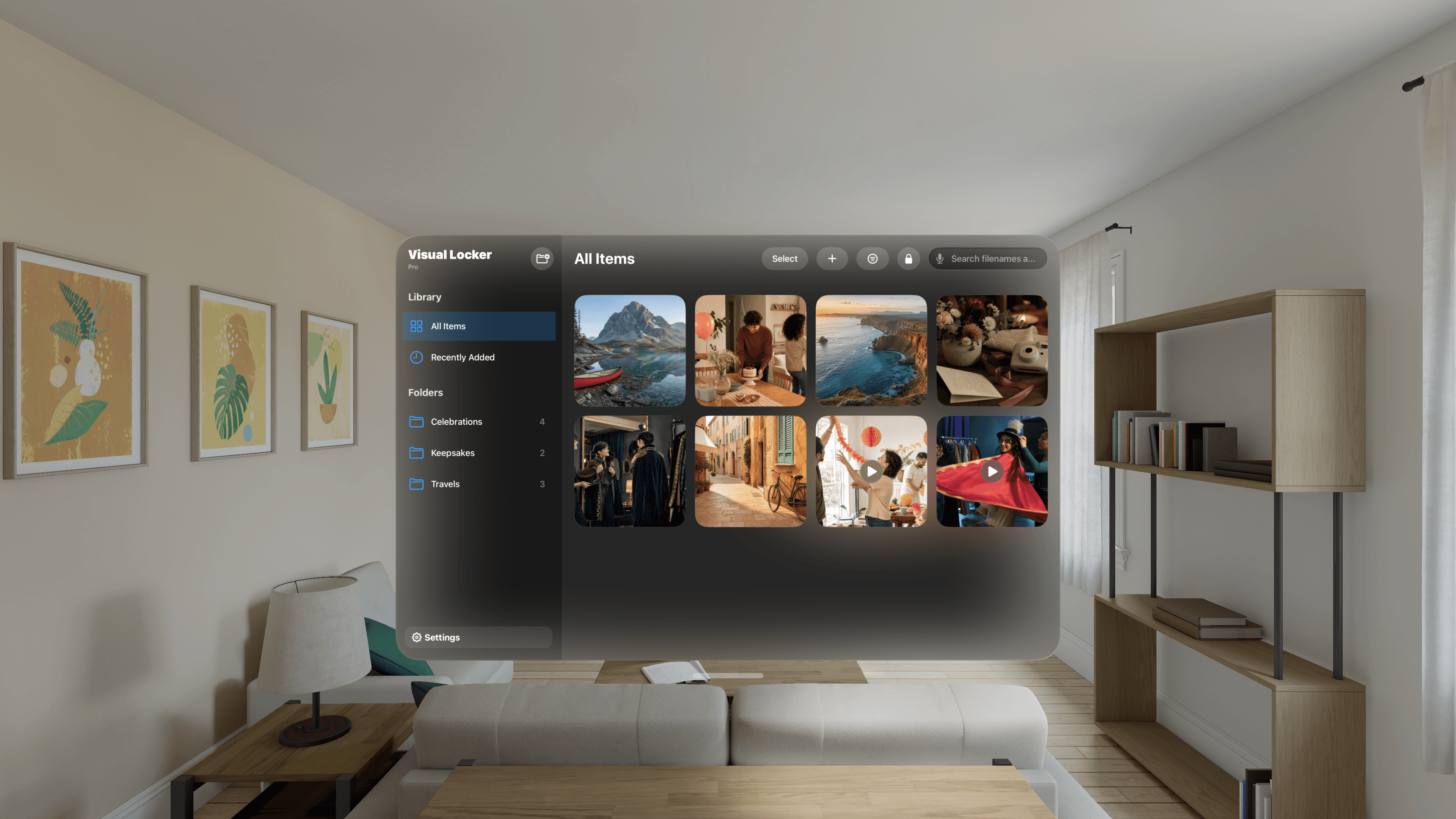
Keep a private photo and video library on Apple Vision Pro, with Optic ID or your device passcode for Standard Unlock. Private Password is available too, with an optional Optic ID shortcut.
Your Vision Pro vault stays separate from your iPhone and iPad vaults. Media, folders and changes do not sync between devices.
Privacy is the product
Your vault lives in private app storage on your device. Each device has its own independent vault, with no Visual Locker account, app server, CloudKit database, remote media library or vault sync.
Imported images, videos, thumbnails, names and folder details are encrypted. Use Standard Unlock, or choose Private Password so the device passcode cannot open the vault directly.
Content-free product analytics and scrubbed crash diagnostics are on by default and can each be switched off in Settings. They never include vault content, filenames or search terms.
Start free
Security and access to existing items never depend on upgrading. Pro expands capacity and adds faster ways to find what you need.
Visual Locker Free
Visual Locker Pro
iPhone and iPad use ordinary 2D viewing and include no Spatial or Immersive controls. Each device keeps a separate vault.
Clear boundaries
Visual Locker protects stored vault data from ordinary access while it is locked. Content must be decrypted while you view it, and no app can prevent an external camera or guarantee that every screenshot is impossible.
Purchases use RevenueCat. PostHog helps us understand app use and Sentry reports crashes, hangs and technical failures. Product analytics and diagnostics are on by default and can each be switched off in Settings. Session replay is disabled. Neither analytics nor diagnostics receives your vault media, thumbnails, filenames, folder names, search terms, user-entered text or vault identifiers. Product feedback is a separate submission you choose to send.
See exactly how data is handledVisual Locker